Hosting a BIMI Logo Is Harder Than It Should Be
It's just an SVG behind an HTTPS URL. Simple, right? Not quite.
- Wix and Squarespace don't let you upload SVG files at all
- WordPress can host SVGs, but won't give you a clean direct URL
- S3 or cloud storage works but requires SSL config most people skip
- GitHub Pages serves the wrong content type for SVG
- BIMI requires SVG Tiny 1.2 PS — a strict subset no design tool exports
- No scripts, no animations, no inline styles, no external references
- Must be under 32KB with a
<title>element - Most SVGs fail validation on the first try. And the second.
What you get instead
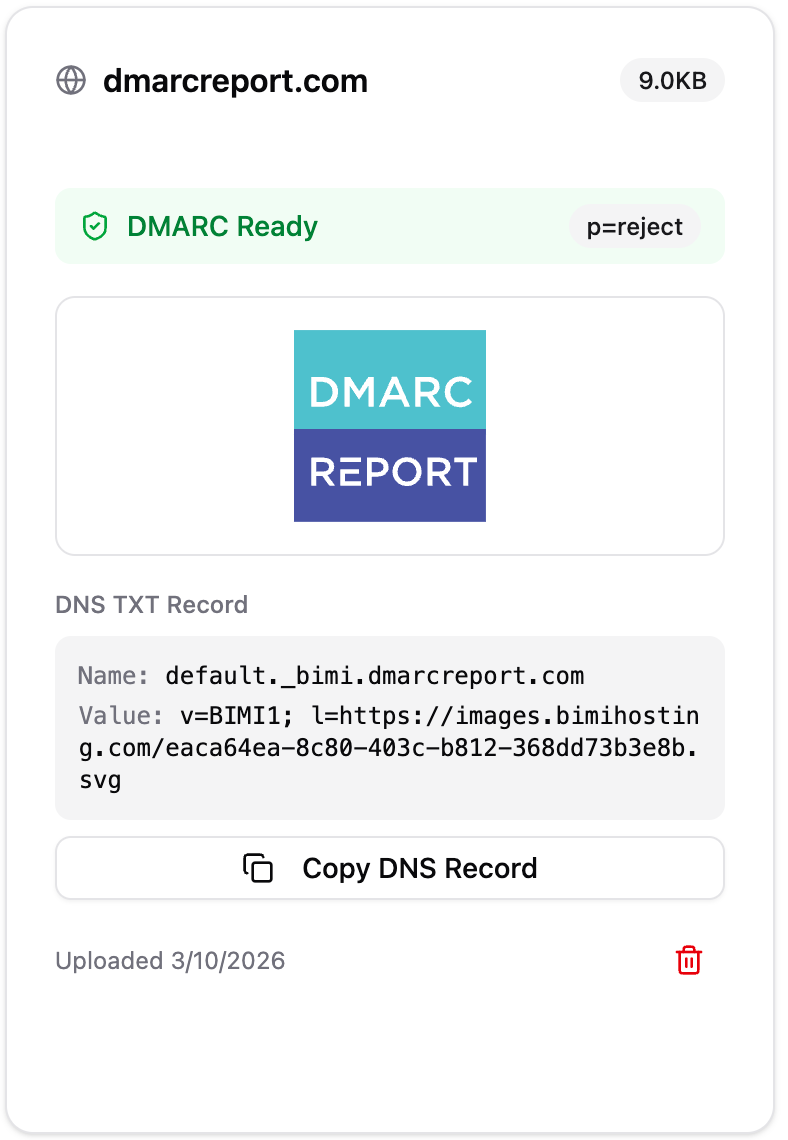
We Fix All of That
Upload any SVG. We handle the conversion, hosting, and DNS.
Drop in any SVG from Illustrator, Figma, or Canva. We strip the junk, set the right attributes, and convert it to BIMI-compliant SVG Tiny 1.2 PS.
Your logo is served over HTTPS from edge locations worldwide. Correct content type, proper caching, always available for email providers.
We generate the exact BIMI TXT record for your domain. Copy it, paste it into your DNS, done. No manual formatting.
Three Steps, Under Two Minutes
Upload Your SVG
Any SVG works. Enter your domain name and drop the file. We accept logos straight out of Illustrator, Figma, or wherever.
We Convert & Host
We auto-convert to SVG Tiny 1.2 PS, validate it, and deploy to our CDN with SSL. Takes about one second.
Paste Your DNS Record
Copy the generated BIMI TXT record into your domain's DNS. That's it. Your logo starts showing in inboxes.
Already Set Up BIMI? Check Your Domain
Our free scanner checks your BIMI DNS records, DMARC enforcement, logo validation, and VMC/CMC certificate — and shows you exactly how your logo appears in inboxes.
Common Questions
What is BIMI and why should I care?
BIMI (Brand Indicators for Message Identification) displays your brand logo next to your emails in Gmail, Yahoo Mail, Apple Mail, and other providers. It builds trust with recipients and increases open rates. Think of it as a verified checkmark, but with your actual logo.
Why can't I host the SVG on my own site?
You can, if your site serves SVG files with the correct content type over HTTPS with a valid SSL cert. Most website builders (Wix, Squarespace, WordPress) make this difficult or impossible. Even S3 requires manual SSL configuration. We handle all of this automatically.
What's SVG Tiny 1.2 PS?
A strict SVG subset required by BIMI. No scripts, animations, filters, inline styles, or external references. Most design tools export "full" SVG that fails BIMI validation. We auto-convert your SVG to the correct format — strip the prohibited elements, convert styles to attributes, add the required metadata.
Do I need DMARC for BIMI to work?
Yes. BIMI requires your domain to have a DMARC policy of p=quarantine or p=reject. If you're not there yet, our sister product DMARC Report can help you get to enforcement for free.
Do I need a VMC (Verified Mark Certificate)?
Only for Gmail. Yahoo, Apple Mail, and other providers display BIMI logos without a VMC. BIMIHosting handles the SVG hosting — you can add a VMC reference to your DNS record later if you get one.
Is this really free? What's the catch?
No catch. We built this because our main product, DMARC Report, monitors over 60,000 domains and BIMI logo hosting was the number one pain point our customers kept hitting. So we solved it. Host logos for unlimited domains, free forever.